Your Three Deposit Options
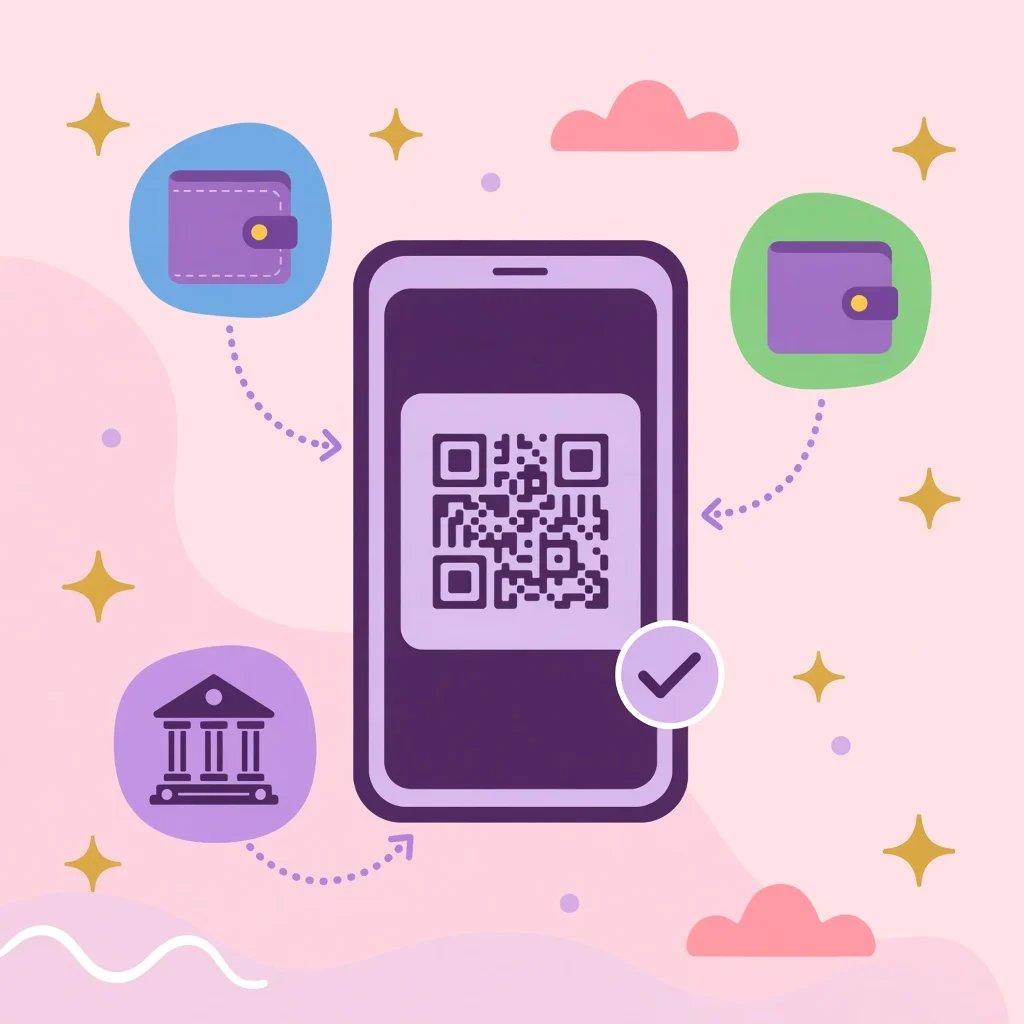
Pick whichever you already use. All three send funds to the same OnlyFun.ph balance.

Send a deposit from your GCash wallet to your OnlyFun.ph account.

Top up your OnlyFun.ph balance straight from your Maya wallet.
 Bank QR
Scan the deposit QR code with a major Philippine bank's app.
Use your own account. Use your own payment account for every deposit, never someone else's, and don't use pasaload.
How to Deposit with GCash or Maya
Sign in to your OnlyFun.ph account.
Open Deposit and choose GCash or Maya.
Approve the payment in the GCash or Maya app, then head back to onlyfun.ph.
Your balance on OnlyFun.ph updates once the payment is confirmed. Keep the reference number from your wallet app until it does.
How to Deposit with Bank QR
- Choose Bank QR on onlyfun.phSign in, open Deposit and choose Bank QR. The deposit QR code is shown on onlyfun.ph.
- Scan it with your bank's appUse the QR scanner inside your own bank's app. Check that the details match before you continue.
- Confirm and returnApprove the transfer in your bank app, then come back to onlyfun.ph to see your balance.
Deposits Only: You Play on OnlyFun.ph
GCash, Maya and bank apps are only used to send funds. There are no OnlyFun.ph games inside them, and nobody needs you to play anywhere else.
One place to play. Live rooms, slots, Live Casino and Followbet are all on onlyfun.ph. If a link or message says otherwise, don't use it.
Keeping Your Wallet Safe
- Check that your browser shows onlyfun.ph before you sign in or deposit.
- Never share your password or OTP. OnlyFun.ph never asks for them in chat, email or text.
- Use only your own payment account, never a third party's.
- Only scan deposit QR codes shown on onlyfun.ph itself, not ones sent to you in messages.
- If a deposit doesn't show up, contact support@onlyfun.com.ph with your reference number.
Play Responsibly
Only deposit what you're comfortable spending on entertainment. Set a budget before you start, take breaks, and stop when it stops being fun. OnlyFun.ph is for players aged 21 and over. See Playing responsibly for more.
Deposit Limits and Timing
| Item | Detail |
|---|---|
| First deposit | From ₱500 |
| Later deposits | From ₱100 |
| Per transaction | Up to ₱50,000 |
| Per day | Up to ₱500,000 |
| Other methods | Bank card transfer is also accepted |
| Timing | Usually credited within about 5 minutes |
Banks or e-wallets may charge their own fees. Questions about withdrawals are covered in the FAQ.
GCash Deposit FAQ
Can I play OnlyFun.ph games inside GCash?
No. GCash, Maya and bank apps are deposit methods only. You play on onlyfun.ph.
Can I deposit from someone else's GCash?
No. Use your own payment account for every deposit.
My deposit hasn't shown up. What do I do?
Keep your reference number and email support@onlyfun.com.ph, or use the chatbot on onlyfun.ph.