
If your number is new, the site creates your account automatically. You must be 21 or older. Identity verification (KYC) comes later and is required only before you withdraw.
There's no official OnlyFun.ph app, only the website at onlyfun.ph, so ignore any "OnlyFun app" or APK download links. onlyfunph.com is an information site: you can't create an account here.
Quick Facts
- Minimum age
- 21.
- Where to sign up
- onlyfun.ph only. There's no official app.
- What you need to sign up
- a Philippine mobile number (+63) that can receive a one-time code (OTP).
- ID check (KYC)
- not part of sign-up. You must finish it before you can withdraw.
- Accepted IDs
- major Philippine government IDs, such as a driver's license or passport. Your face and birthday must be clear, and the photo can't be blurry or pixelated.
- KYC review time
- usually around 24 to 48 hours.
- Accounts
- one per person, in your own name. A bank account can only be linked to one OnlyFun.ph account.
- First deposit
- the minimum is PHP 500. Later deposits start at PHP 100.
- Help
- the chatbot or live chat on onlyfun.ph, or support@onlyfun.com.ph.
Who Can Register
OnlyFun.ph is for adults in the Philippines who are allowed to play under PAGCOR rules. Before you start, make sure all of these apply to you:
- You're 21 years old or above.
- You aren't enrolled in PAGCOR's self-exclusion program and aren't otherwise banned.
- You aren't a student of any school, college or university in the Philippines, a government official connected directly with government operations, or a member of the AFP or PNP. These groups can't play under the PAGCOR Charter and Malacañang Memorandum Circular No. 8.
- You're registering for yourself, with your own mobile number and details.
If you're not sure whether a restriction applies to you, ask before you sign up. Use the chatbot on onlyfun.ph or email support@onlyfun.com.ph. You'll need to pass identity verification before you can withdraw, so register only if you can show a valid ID in your own name. If you've excluded yourself in the past, read our Responsible Gaming page first.
What to Prepare
To sign up:
- Your own Philippine mobile number, with the phone nearby so you can receive the one-time code.
- A quick address-bar check. Make sure you're on onlyfun.ph, not a lookalike domain or a link from a chat group.
Before your first withdrawal:
- A major Philippine government ID, such as a driver's license or passport, for identity verification (KYC).
- Your own GCash, Maya or bank account. Payments from someone else's account aren't allowed.
Fake sign-up pages exist. Copycat sites copy OnlyFun's look to collect phone numbers, codes, personal details or deposits. A sign-up form inside an app isn't OnlyFun.ph's, and neither is a social message that isn't from OnlyfunPH Official on Instagram, Facebook or TikTok. Read Is OnlyFun.ph legit? to learn the checks, and see how to verify PAGCOR licensing.
Registration Steps
- 1
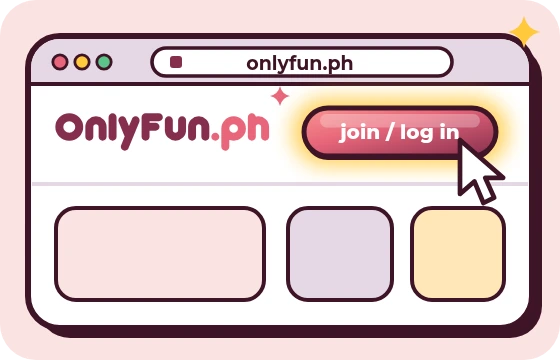
Go to onlyfun.ph and tap "join / log in"
Type onlyfun.ph into your browser or tap the link here. Tap the "join / log in" button at the top of the page. A sign-up popup opens.
- 2
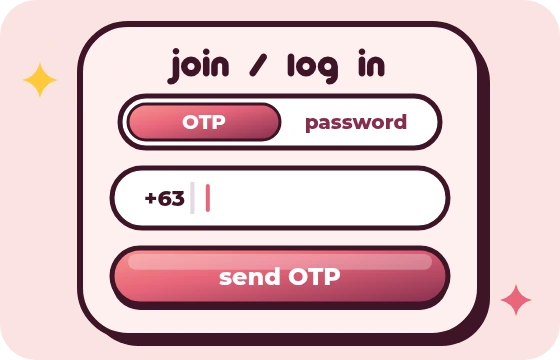
Enter your mobile number and tap "send OTP"
In the popup, stay on the OTP tab. Enter your mobile number in the +63 field, then tap "send OTP" to get a one-time code by text.
- 3
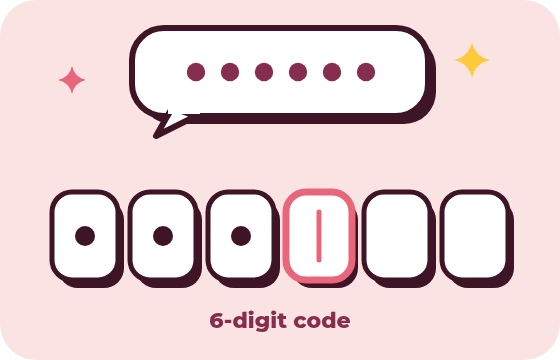
Enter the 6-digit code
Type the 6-digit code you received. Never share this code with anyone.
- 4
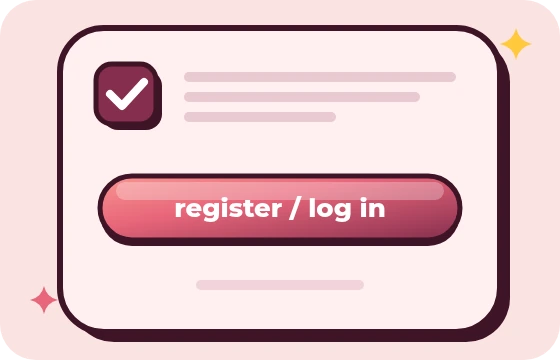
Accept the terms and tap "register / log in"
Read the terms and conditions and privacy policy, tick the box that says "I agree to the terms and conditions and privacy policy", then tap "register / log in". If your number is new, the site creates your account automatically. If you've signed up before, the same button logs you in.
- 5
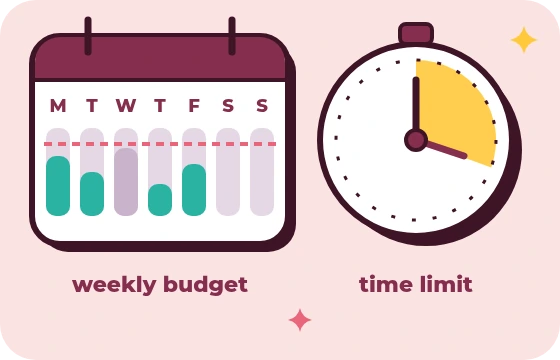
Set your limits before your first deposit
Once you're in, decide on a weekly budget and a time limit. The minimum first deposit is PHP 500. See how to deposit with GCash, Maya or Bank QR.
Stuck at any step? Use the chatbot on onlyfun.ph or email support@onlyfun.com.ph.
How Identity Verification (KYC) Works

KYC stands for "know your customer". PAGCOR requires licensed platforms to confirm their players' age and identity. On OnlyFun.ph, KYC isn't part of sign-up: you register with your mobile number first, and you only have to finish KYC before you can withdraw money.
any time after you register, and no later than your first withdrawal.
a major Philippine government ID, such as a driver's license or passport.
the review usually takes around 24 to 48 hours.
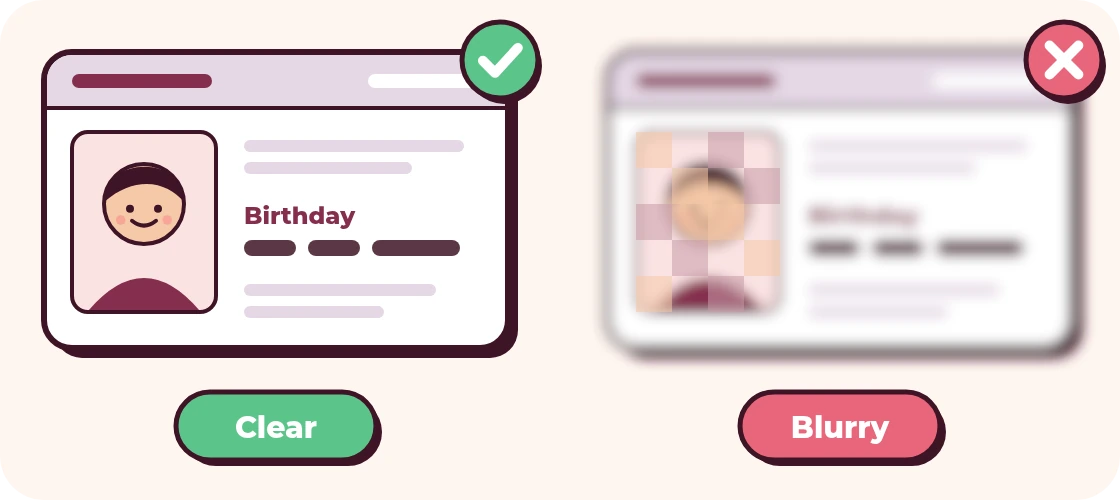
ID photo tips so the reviewer can check your ID:
- Make sure your face on the ID is clear.
- Make sure your birthday is clearly visible, so the reviewer can confirm you're 21 or older.
- Make sure the photo isn't blurry or pixelated.
Finishing KYC early means a winning session isn't held up waiting for review. Verification also keeps under-21s and self-excluded players off the platform, and makes it much harder for someone to withdraw your money. Skipping ID checks is a common sign of an illegal site.
Withdrawals may also need source-of-funds checks, and you may be asked to prove that a payment account is yours. Keep your ID private, and never send it to anyone who contacts you through an unofficial channel.
Fixing Common Sign-Up Problems
The one-time code didn't arrive
Check that you entered your mobile number correctly in the +63 field, then request a new code with "send OTP". If it still doesn't arrive, contact support through the chatbot on onlyfun.ph.
KYC review is taking a while
Review usually takes around 24 to 48 hours. If it's been longer, contact support through the chatbot or at support@onlyfun.com.ph. Don't open a second account.
My ID was declined
Make sure it's a major Philippine government ID, such as a driver's license or passport, that's in your own name. Check that your face and birthday are clearly visible and the photo isn't blurry or pixelated. Ask support why it was declined, then resubmit through your account. Don't send ID photos through social media messages.
I want to log in with a password
After you sign up with your number, set a password in your profile. Then you can log in with your number and password on the password tab instead of requesting an OTP.
I forgot my password or username
For your password, use "Forgot password" on onlyfun.ph. For your username, contact support through the chat on onlyfun.ph or at support@onlyfun.com.ph.
I got logged out on another device
Only one device can be logged in to an account at a time, so signing in on a second phone or computer logs out the first. If you didn't sign in somewhere else, report it to support right away.
I'm not sure the sign-up page is real
Close it and type onlyfun.ph yourself. If you found a fake page or app, email the link to support@onlyfun.com.ph and report it to PAGCOR too.
Logging In Safely After You Register

- Log in only at onlyfun.ph with the same "join / log in" button. Type the address yourself or use a bookmark you saved from the real site.
- There's no app to log in to. OnlyFun.ph has no official app, only the website, so any "OnlyFun login" app is unofficial.
- Two ways to log in:
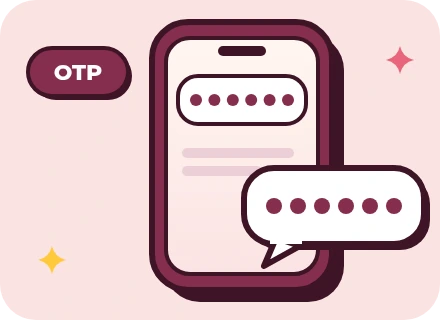
Log in with a one-time code sent to your number (the OTP tab).
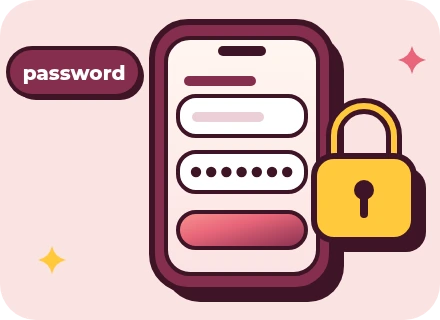
Log in with your number and password (the password tab). To use the password tab, first set a password in your profile after you sign up with your number.
- Never share your one-time code or password, including with people who say they're from OnlyFun.ph support.
- One device at a time. If you're logged out unexpectedly, change your password and contact support.
- Official help only. Support is the chatbot or live chat on onlyfun.ph and support@onlyfun.com.ph.
Paano Mag-Register (Taglish)
Pumunta sa onlyfun.ph (i-type mo mismo) at i-tap ang "join / log in" sa taas. Ilagay ang mobile number mo (+63), i-tap ang "send OTP", at ilagay ang 6-digit code. I-check ang "I agree to the terms and conditions and privacy policy", tapos i-tap ang "register / log in". Kung bago ang number mo, automatic na gagawin ang account mo. Dapat 21 pataas ka. Hindi kailangan ng KYC para mag-register, pero kailangan mo itong tapusin bago ka mag-withdraw, gamit ang major Philippine government ID tulad ng driver's license o passport. Karaniwang 24 hanggang 48 oras ang review. Walang official app, website lang, kaya huwag mag-download ng APK mula sa links. May tanong? Gamitin ang chatbot sa onlyfun.ph o mag-email sa support@onlyfun.com.ph.
After You Register
Finish KYC early
have your ID ready so your first withdrawal isn't held up. Review usually takes around 24 to 48 hours.
Make your first deposit
GCash, Maya, Bank QR or bank card. See the deposit guide.
Watch live streams
hosts and VMX artists stream on a schedule. See how live streams work and meet the VMX artists.
Try Followbet when you're ready
Learn the slots
providers, popular games and how RTP works on the slots hub.
Set your limits
budget tips and where to get help on Responsible Gaming.

Registration FAQ
How do I register on OnlyFun.ph?
Go to onlyfun.ph and tap "join / log in". Enter your +63 mobile number, tap "send OTP", type the 6-digit code, tick the terms and privacy box, and tap "register / log in". A new number gets an account automatically.
Do I need an ID to register?
No. You sign up with your mobile number and a one-time code. You only need to finish identity verification (KYC) before you withdraw money.
What ID do I need for KYC?
A major Philippine government ID, such as a driver's license or passport. Make sure your face and birthday are clearly visible, and that the photo isn't blurry or pixelated.
How long does KYC take?
Review usually takes around 24 to 48 hours. If it's taking longer, contact support through the chatbot on onlyfun.ph.
How old do I need to be to register?
21 or older.
Who can't register on OnlyFun.ph?
Anyone under 21, students of any school, college or university in the Philippines, government officials connected directly with government operations, members of the AFP or PNP, and banned or self-excluded persons.
Is there an OnlyFun app?
No. There's no official OnlyFun.ph app, only the website at onlyfun.ph. Any app or APK using the OnlyFun name is unofficial.
Can I log in with a password instead of a code?
Yes. After you sign up with your number, set a password in your profile. Then you can log in with your number and password on the password tab of the "join / log in" popup instead of requesting an OTP.
Can I have more than one account?
No. Keep to one account in your own name. A bank account can only be linked to one OnlyFun.ph account.
I forgot my password or username. What do I do?
For your password, use "Forgot password" on onlyfun.ph. For your username, contact support through the chat or at support@onlyfun.com.ph.
Can I stay logged in on two devices?
No. Only one device can be logged in to an account at a time. Report any access you didn't make to support right away.
What's the minimum first deposit?
PHP 500. Later deposits start at PHP 100. Use your own GCash, Maya or bank account.
Is there a sign-up bonus?
This guide doesn't cover promotions. Check onlyfun.ph for current terms, and never sign up just for a bonus.
21+. Before your first deposit, decide how much you're comfortable spending each week and stick to it. Gaming is entertainment, not income. If it stops being fun, apply for PAGCOR self-exclusion at osea.pagcor.ph or call the National Problem Gambling Hotline at (02) 8248-9568.